 Peakub Support
Signing in
How to sign in or create an account on Peakub
Peakub uses one entry point for both signing in and creating an account - there's no separate sign-up flow to find.
Email or Google
From the sign-in screen, either continue with Google in one click, or enter your email and press Next. If the email is new, you'll be guided through creating an account; if it already exists, you'll be asked for your password.
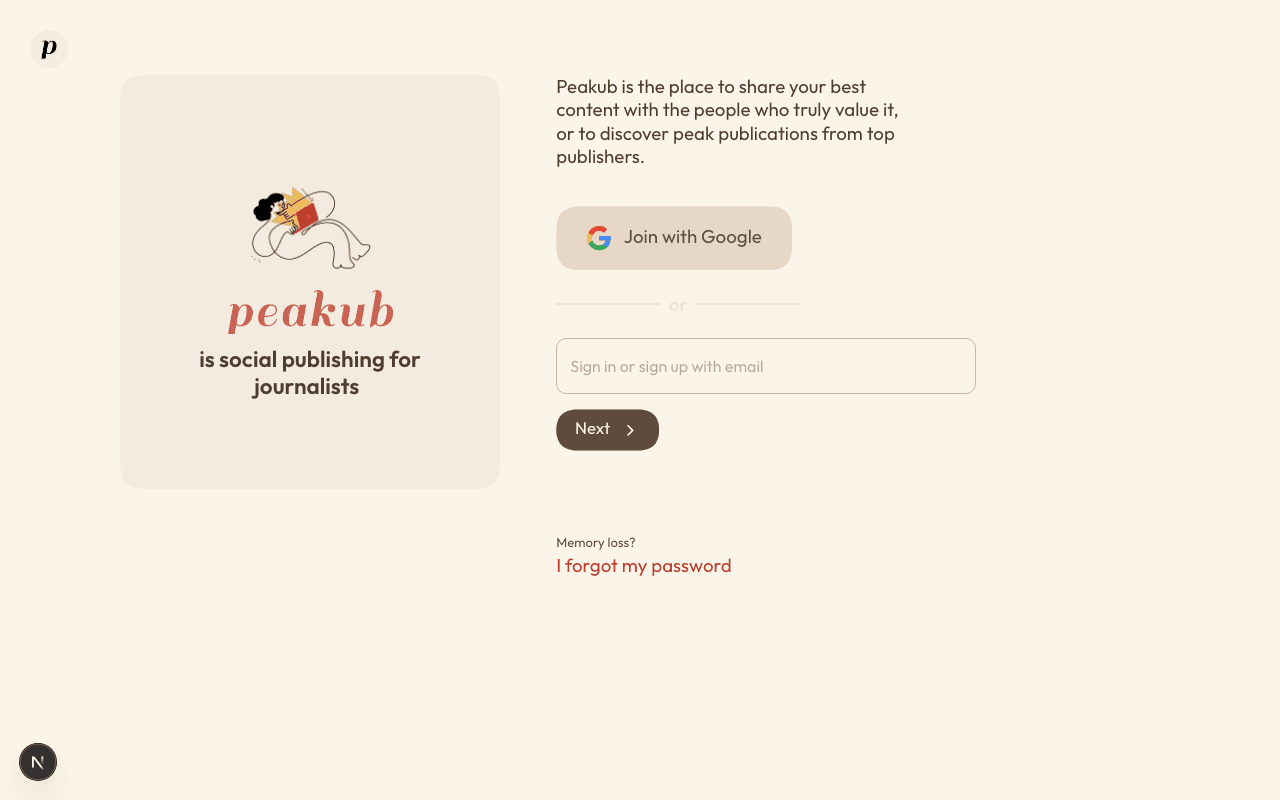 The sign-in screen - email or Google, both lead to the same place.
Forgot your password?
"I forgot my password" on the sign-in screen starts a reset by email. If you no longer have access to that inbox or your sign-in method, see Troubleshooting - that needs a real person, not a self-serve form.
Changing how you sign in
Connected providers and password changes are managed from account settings once you're signed in - see Security & Privacy for what those settings mean and when to use them.
Last updated on