 Peakub Support
Community
Comments, activity, and notifications on Peakub
Peakub isn't a one-way feed. Readers respond to what they read, your activity feed shows what's happening across everyone you follow, and notifications make sure you don't have to go looking for any of it.
Commenting on a post or coverage
Comments sit directly under the piece they're responding to - a post, or a club's coverage - not in some separate discussion board. If you're a creator, that means the conversation about your writing happens where the writing is, not off in a comment section people have to go find.
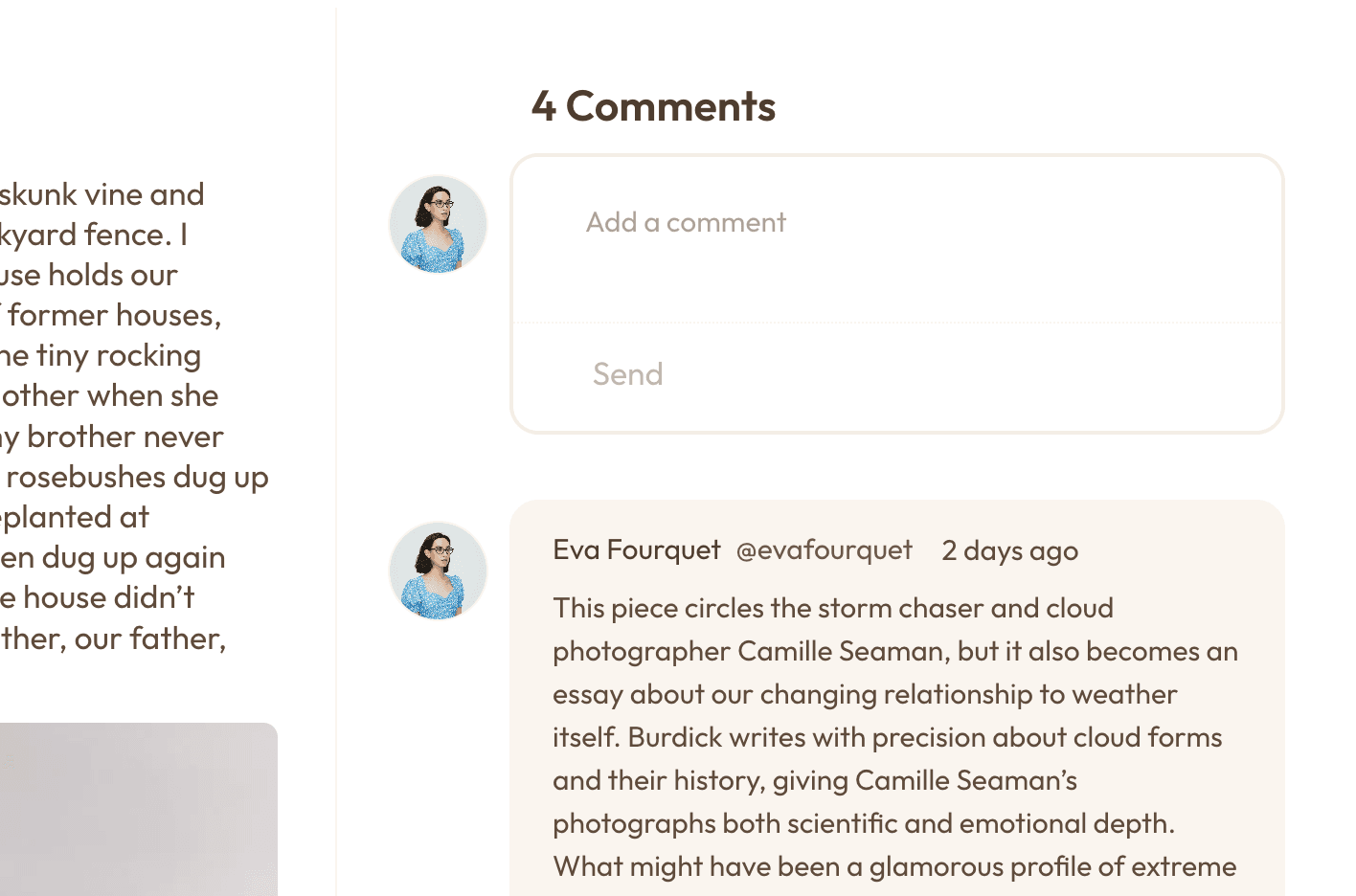 A post with its comment thread open underneath
The comment button on a post's card in a feed takes you straight there: it opens the post with the comment field ready for you to type in.
On an article, you can also comment on one passage, in the margin beside it. See Comments on passages.
Who can comment and like
The author sets who can react to each piece: anyone, only subscribers, only paid subscribers, or nobody. If you can't, the page tells you why. Authors: see Who can react.
Keeping it safe
Anyone can report a post, a comment, a piece of content, a person or a publication from its ... menu, and block or mute people and publications. See Report, block and mute, and Notices, appeals and your reports for what happens next. Creators hold, hide and remove comments from their own queue: see Moderating your publication.
You can edit or remove your own posts from the ... menu of the post. See Editing or removing a post you published.
Your activity feed
The activity feed pulls together everything the publications, clubs, and people you follow are doing - new posts, club updates, discussion worth catching up on - instead of you checking each of them one by one. Every profile and publication also has an Activity page: see Activity on profiles and publications.
Notifications
You choose what you're alerted about - replies, new posts from people you follow, club activity - and where: in-app, by email, or both. Nothing here is all-or-nothing. See Your notification inbox.
Last updated on