 Peakub Support
Editor
Writing posts with Peakub's block-based editor
If you've used Notion, you already know the shape of this: content is built from blocks - paragraphs, headings, images, embeds - not one long text field. Reorder blocks by dragging them; format per-block or per-selection, whichever you're touching.
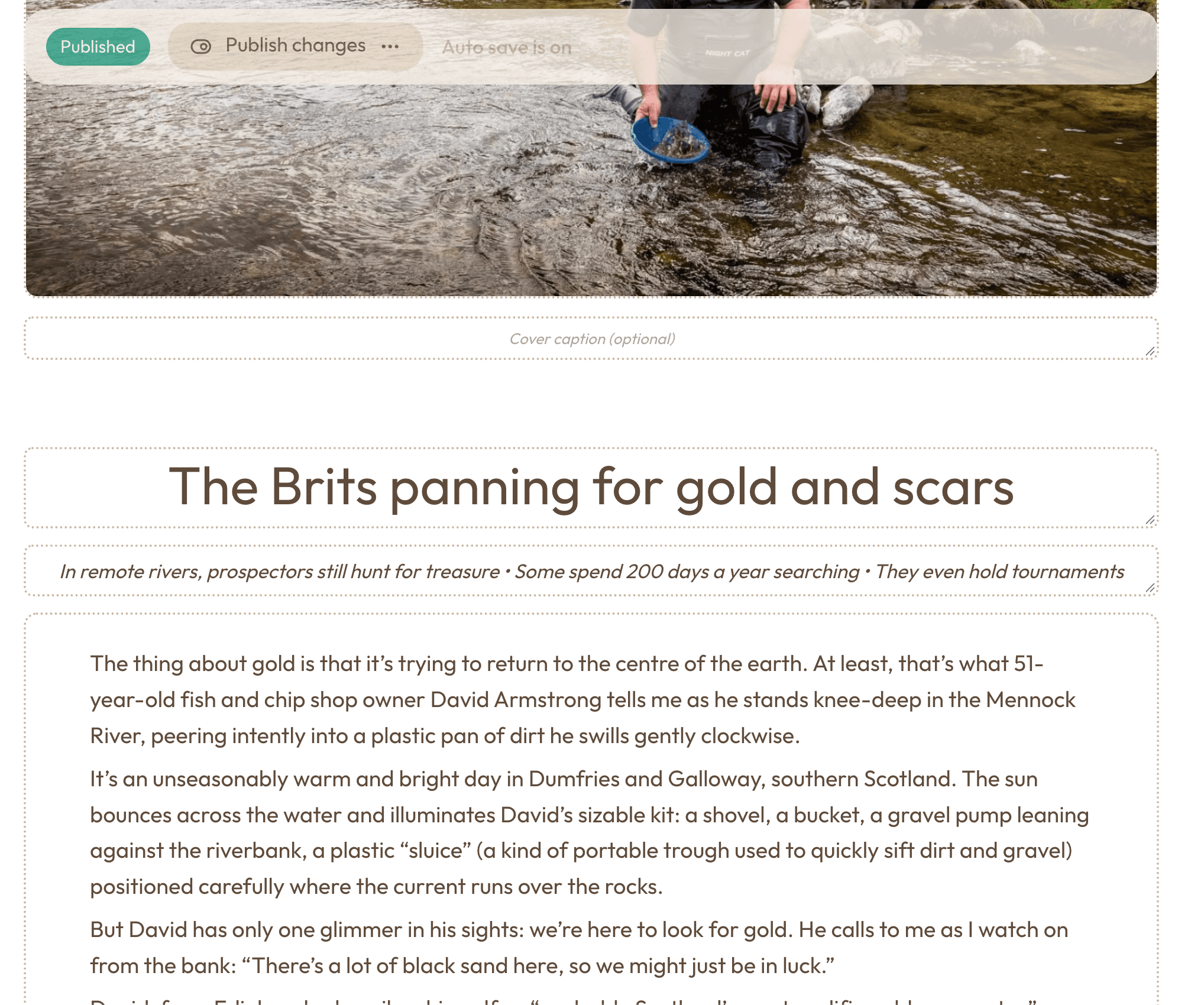 The post editor mid-write
Starting a post
Open the Create menu and choose Article. In Studio, the button is at the bottom of the left menu and the article is made in the publication you are editing; on the home page, it is in the left menu. See the Create menu.
Publishing closes the editor
Once you publish (or publish changes), the editor closes and you're back in the list. This is the same in the editors for articles, zines, pages, coverages, referrals and book clubs.
What you can format
Inline: bold, italic, links. Block-level: headings, lists, quotes, code. Image and embed blocks mean you're not leaving the editor to drop in media.
You never have to hit save
Posts save as you type. A post is a draft - visible only to you - right up until you publish or schedule it; there's no in-between state where you've "saved" something without meaning to publish it.
Undo what you did an hour ago
The top bar also has Undo and Redo arrows. They walk back through every version you saved, not only your last keystroke, and never lose anything. See Undo, redo and version history.
Add snippets and pieces of your publication to the text
Type / for the block menu, which now also places your snippets, call-to-action
buttons and pieces of your publication (another article, the most read, the
current book of your book club) inside the text, and a selection can be turned
into a snippet. See Snippets and blocks from your publication in an article.
Change how an article's page opens
The article editor's top bar has a palette icon (named "Appearance" in its tooltip). It lets you give one article a different header, for instance a cover over half the screen. See Article appearance.
Write an article in another language
The same top bar has a variants button (a language icon) to write and publish a second edition of the article, in another language. See Variants.
Last updated on